download
Download Aurio
Real-time microphone noise suppression for your Mac. Free for 14 days.
System requirements
- macOS 13.3 or later
- Apple silicon Mac (M-series)
Installing
-
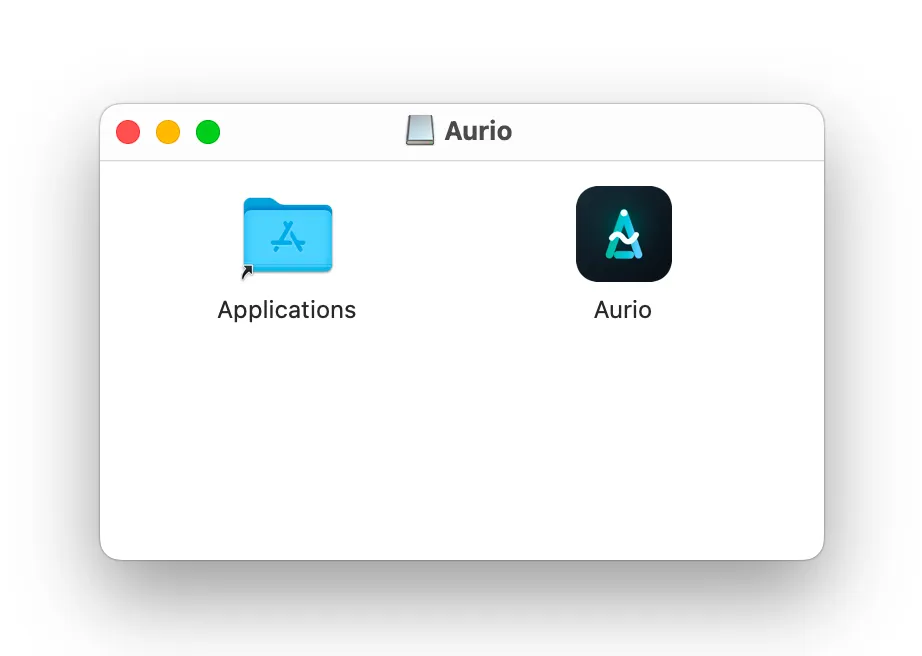
Open the downloaded DMG and drag Aurio into your Applications folder.
-
Launch Aurio from Applications. Because it came from the internet, macOS asks you to confirm the first time — Aurio is signed with an Apple Developer ID and notarized, so it opens without warnings after that.
-
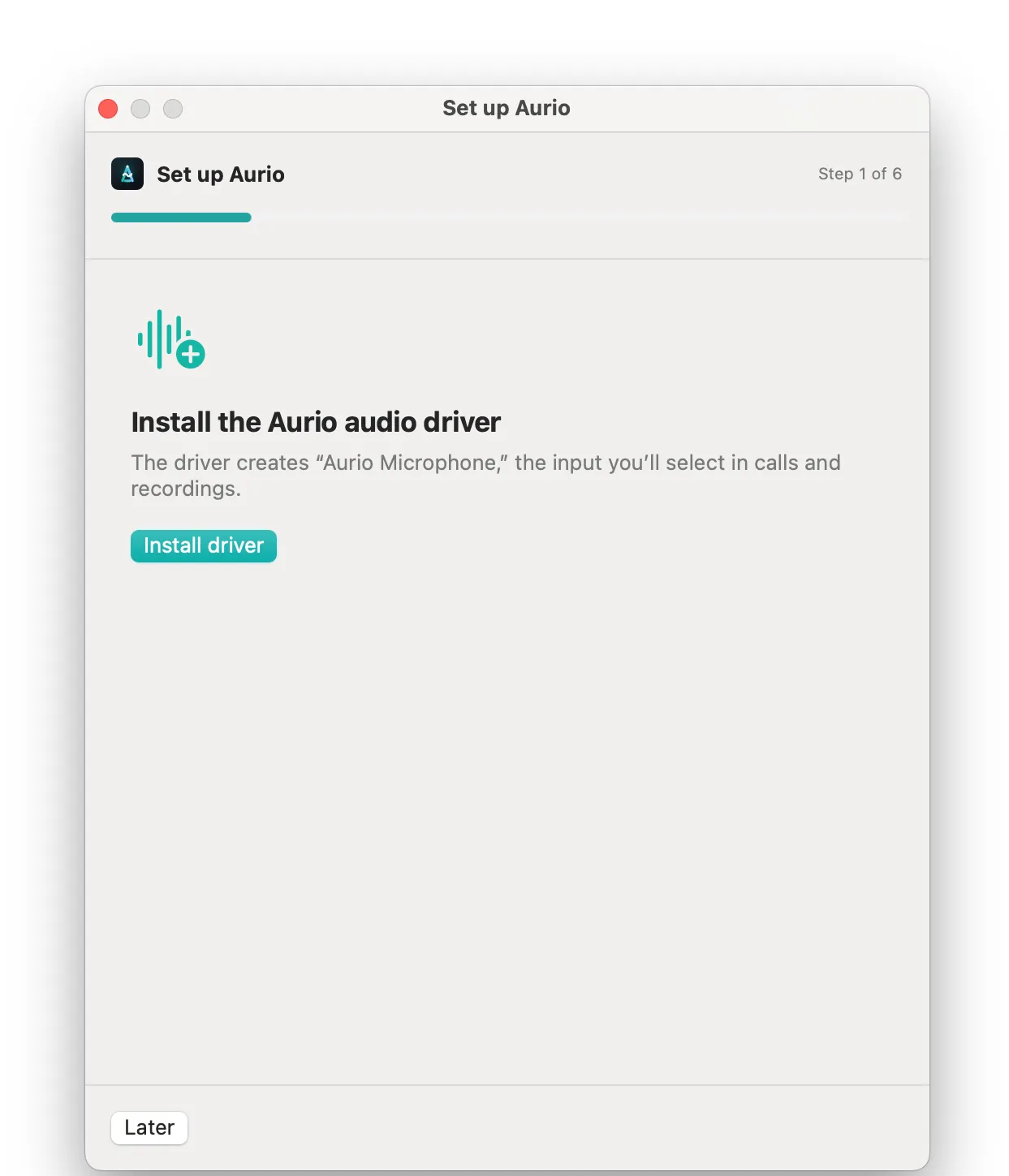
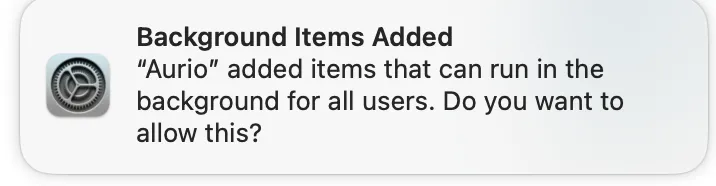
Choose “Install driver”. Aurio adds its audio component and macOS lets you know it has added a background item — there is nothing to approve and no password to type.
-
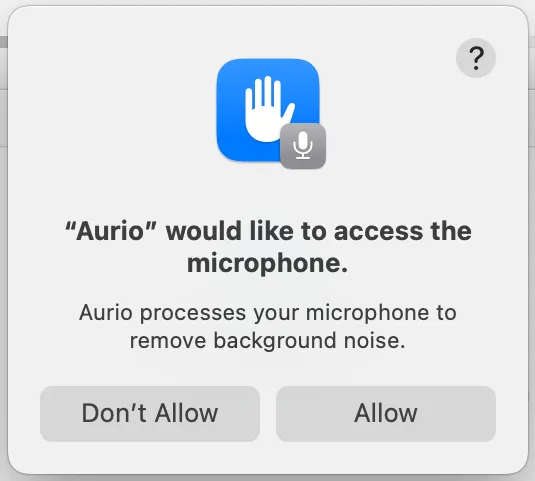
Grant microphone access when macOS asks. Aurio needs it to hear the microphone it is cleaning.
-
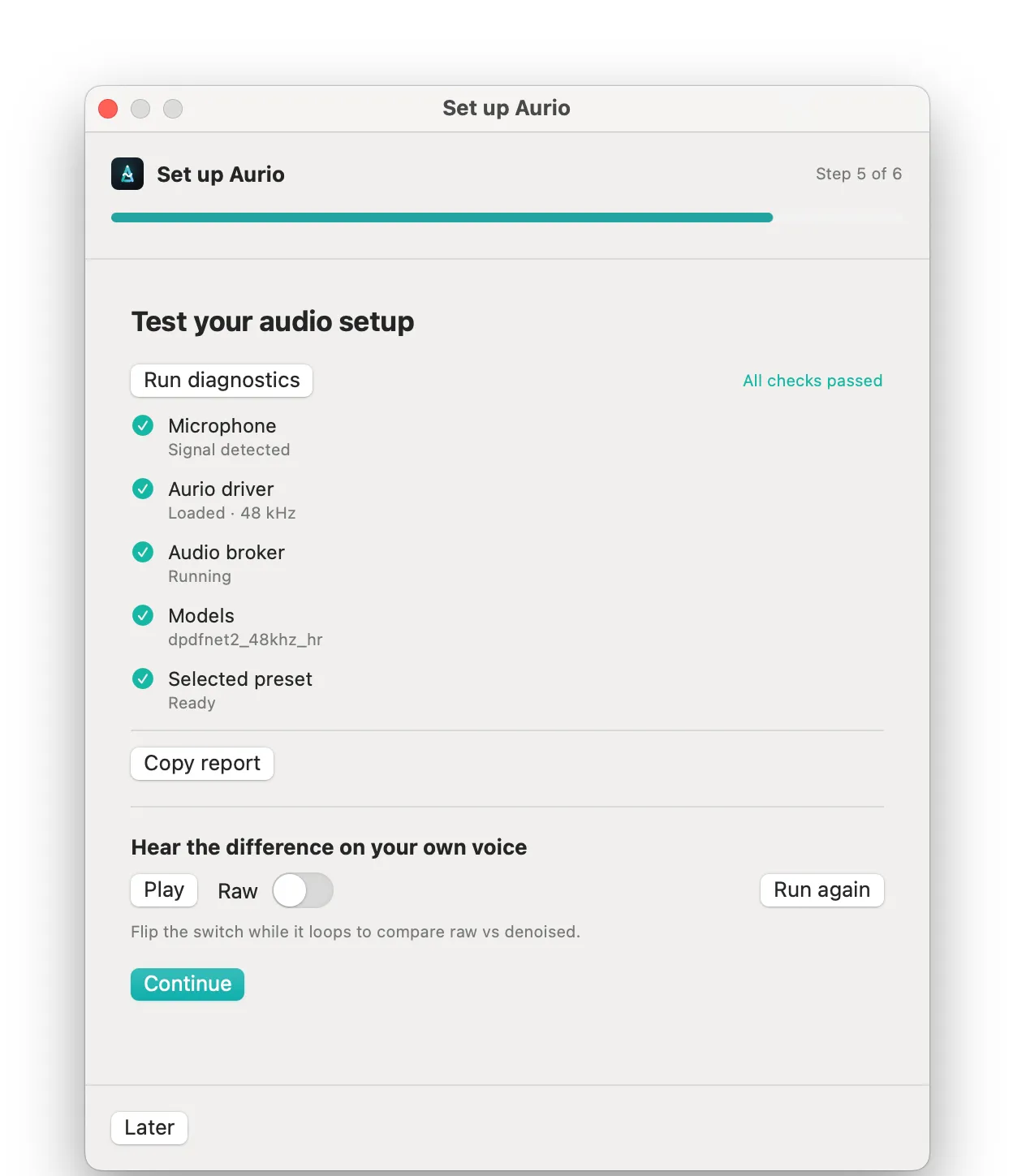
Setup runs a quick check of your microphone, the driver, the background services and the noise-removal model — then lets you hear the difference on your own voice before you finish.
-
Choose “Aurio Microphone” as your input in Zoom, Meet, Slack, OBS, or any recorder. Every app then hears the cleaned signal.
Security & signing
Aurio is signed with an Apple Developer ID certificate and notarized by Apple, so Gatekeeper opens it without warnings. The download is served over HTTPS from Aurio’s update server, and each release is checksum- and signature-verified.
Updates
Aurio updates itself. New versions are delivered securely in-app (signed and verified before installing), so you rarely need to return here. You can review what changed in the changelog.
Troubleshooting
- “Aurio Microphone” not showing up in an app? See the FAQ.
- Questions about permissions or the audio component? See Permissions.
- Install or Repair doing nothing at all? See Install or Repair does nothing.
- Still stuck? Contact support with your macOS and app version.